Buying guide · Updated May 16, 2026
Best AI Recorder 2026
AI recorders are the AI hardware category most likely to pay for itself within a month of owning one. Where pendants and glasses are still negotiating their use cases, recorders have a clear job: turn meetings, interviews, and conversations into searchable, summarized text. The dominant category leader, Plaud, ships two products that cover most of the use case — the magnetic Note for phone-attached recording and the wearable NotePin for hands-free capture. Other entrants exist but lag in transcription quality and workflow polish. This guide ranks the two recorders worth buying, explains the AI transcription tradeoffs that matter, and walks through the workflow patterns that make the category genuinely useful.
Top picks
- #1 · Best overall
Plaud Note
Sticks to the back of an iPhone with a magnet, runs a strong transcription and summarization pipeline, and produces meeting summaries within minutes. The most useful AI hardware purchase you can make in 2026.
Read full review → - #2 · Best wearable
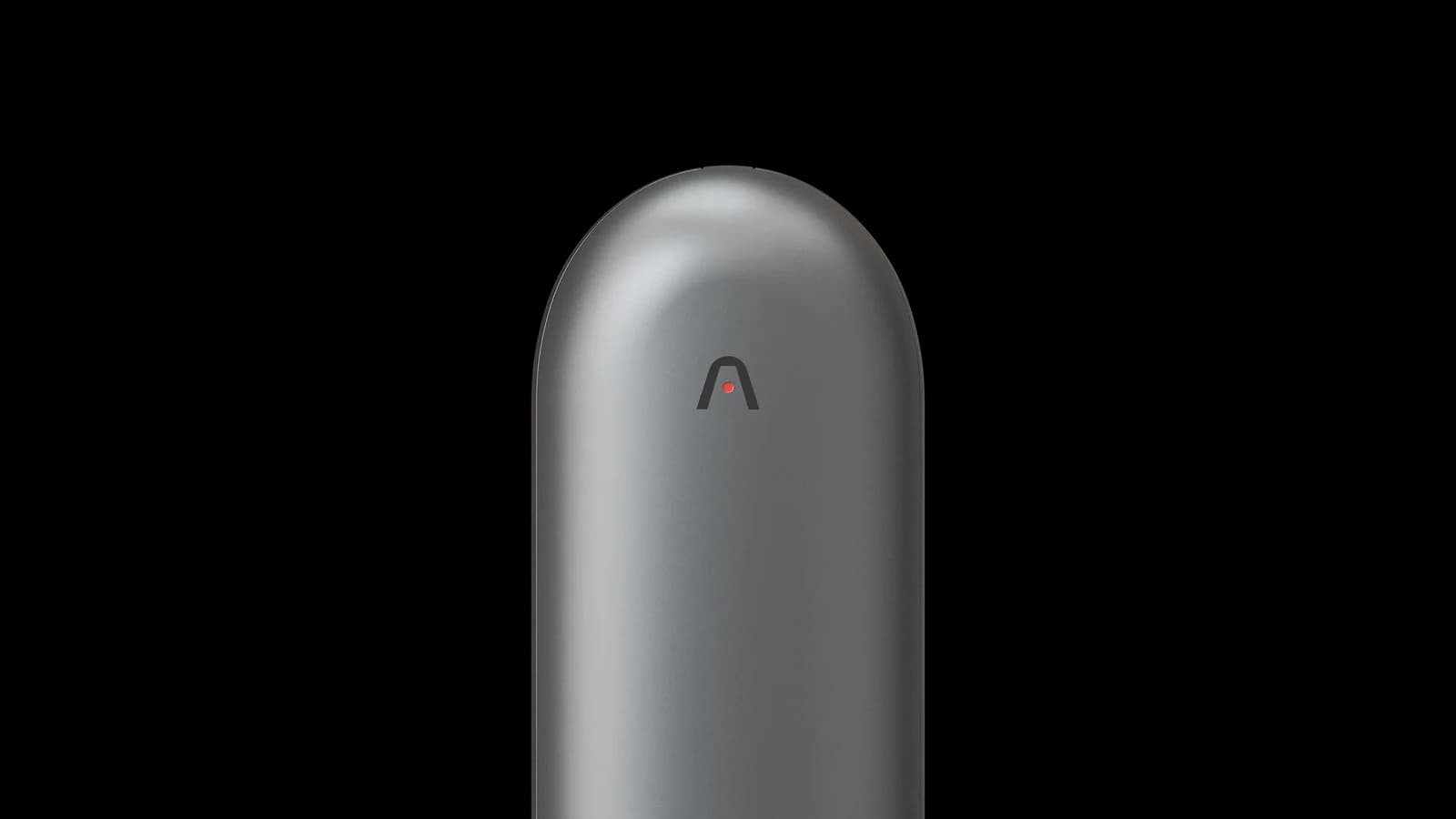
Plaud NotePin
Same transcription pipeline as the Note, but worn on a lanyard or lapel for hands-free capture. The right pick if your meetings happen on the move or in contexts where pulling out a phone is awkward.
Read full review →

Why AI recorders work so well
The recording-to-summary workflow has crossed a threshold in the last 18 months. Two years ago, transcribing a meeting required either an expensive enterprise tool (Otter, Fireflies) or significant manual cleanup of a raw automatic transcript. Today, the combination of OpenAI Whisper (or equivalents) for transcription and GPT-4-class models for summarization produces meeting notes that, in many cases, beat what a human note-taker would have written. The Plaud workflow demonstrates this clearly: end a 45-minute meeting, and within three minutes your phone shows a structured summary with action items, decisions, key quotes, and a fully searchable transcript. The summary is good enough to forward to colleagues without editing. This is the use case that makes AI recorders the easiest-to-justify purchase in the entire AI hardware category.
Plaud Note vs Plaud NotePin: which to buy first
If you are new to AI recorders, buy the Note. It clips to your phone with no extra gear, no charging case to carry, and no social-friction questions. Use it for a few weeks of meetings and interviews. If you find yourself in capture contexts where pulling your phone out is awkward — standing conversations, walking meetings, factory-floor interviews — add the NotePin. The NotePin is more compelling as a second device than as a first device, because the workflow muscle memory is easier to build with the Note. Power users own both and switch between them by context. Note that the Plaud subscription (Pro, $79/year) is shared across both devices; one subscription covers all your Plaud hardware.
The transcription quality reality
Plaud's transcription is among the strongest in the consumer category, but it is not perfect, and the failure modes are worth knowing. Background noise (cafes, conferences, vehicles) reduces accuracy by 10-30% depending on severity. Heavily accented English, code-switching between languages, and technical jargon also degrade quality. The summary layer, fed by the transcript, inherits these errors but often masks them — a wrong proper noun in the transcript can show up confidently in the summary. For high-stakes use (legal, medical, financial), always read the transcript, not just the summary, and verify proper nouns against the audio. For everyday meeting capture, the failure rate is low enough that the workflow is usable without verification, and small errors are typically caught when you reread your own notes.
What to avoid
Three patterns to skip. First, AI recorders that bundle transcription only with their own ecosystem and do not export to standard formats (plain text, Markdown, common video formats). Vendor lock-in on personal meeting data is a serious long-term risk. Second, recorders that do not publish their data retention policy clearly. You should know how long your audio is stored, whether it is used for model training, and what your deletion options are. Third, free or near-free AI recording tools that monetize through training-data access. Several free apps in this category have terms of service that grant the vendor broad rights to user audio. Pay for the tool, read the terms.
Frequently asked questions
- Is the Plaud subscription worth it?
- For regular meeting-takers, yes. The $79/year Pro tier unlocks unlimited transcription and the better summary models. Without it, the 300-minute monthly cap is tight and the free-tier summary is more basic. If you average two meetings a week, the subscription pays back in time saved.
- Can I use Plaud in two-party-consent states?
- Yes, with the consent of all participants in the conversation. Plaud is overtly user-initiated and easy to disclose, which makes consent simple to obtain — typically just stating that the meeting is being recorded at the start.
- Does Plaud work with Android?
- The original Plaud Note has a USB-C variant for Android. The magnetic iPhone-back model is iOS-only. The NotePin works with both iOS and Android.
- How is the summary quality?
- Strong. Plaud uses a multi-step pipeline (Whisper for transcription, GPT-4-class models for summarization) and produces structured outputs — action items, decisions, key quotes — rather than a single text blob. For everyday meetings, the summary is good enough to forward without editing.
- Is on-device transcription possible?
- Not yet at Plaud's quality level. On-device LLM inference is improving but the audio-to-summary pipeline still benefits significantly from cloud models. Watch this question in 2027.
- What about Otter, Fireflies, Read.ai, and other meeting-AI tools?
- These are software competitors that integrate with Zoom, Google Meet, and Teams. They are excellent for remote meetings but cannot capture in-person conversations the way Plaud can. Many users run both: Plaud for in-person, a software tool for remote calls.